SD Reader
kodeOS appTools
By USB cable or Bluetooth (Chrome or Edge). Requires kodeOS on the Dot — apps.kode.diy/recovery installs it. Installs alongside your other apps.
No ratings yet
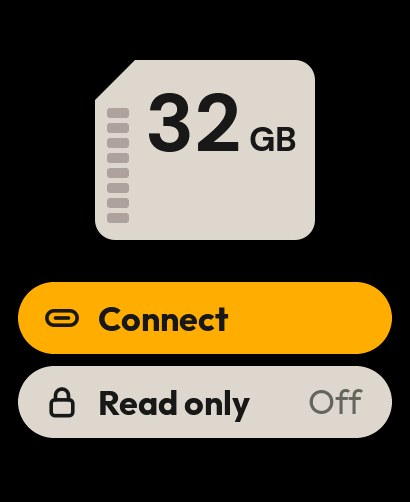
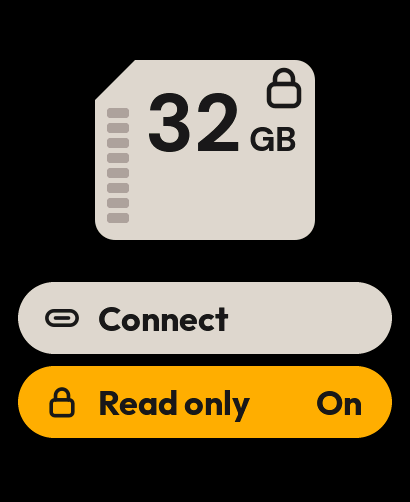
Your Kode becomes a USB card reader. Plug it into a computer and the microSD inside shows up as a disk: copy, delete or format, like any card reader.
What you need
- A Kode Dot
- A microSD card in its slot
- A USB-C cable to your computer, or the Kode charging base plugged into it
What it does
- The card is the screen: its real size and how full it is, read from the card
- A live MB/s ring while the computer reads or writes
- A Read only switch: turn it on and the computer can look at the card but never write to it
- Fast eject: back to the Kode in under a second, and a warning if the cable was pulled while it was still writing
- Remembers each card, so the next time it connects at once
- Cable or charging base: it finds the one that goes to the computer by itself
- The BLUE button connects and disconnects
Reviews come only from people who installed the app while signed in.